Generate Your Mascot Image with AI
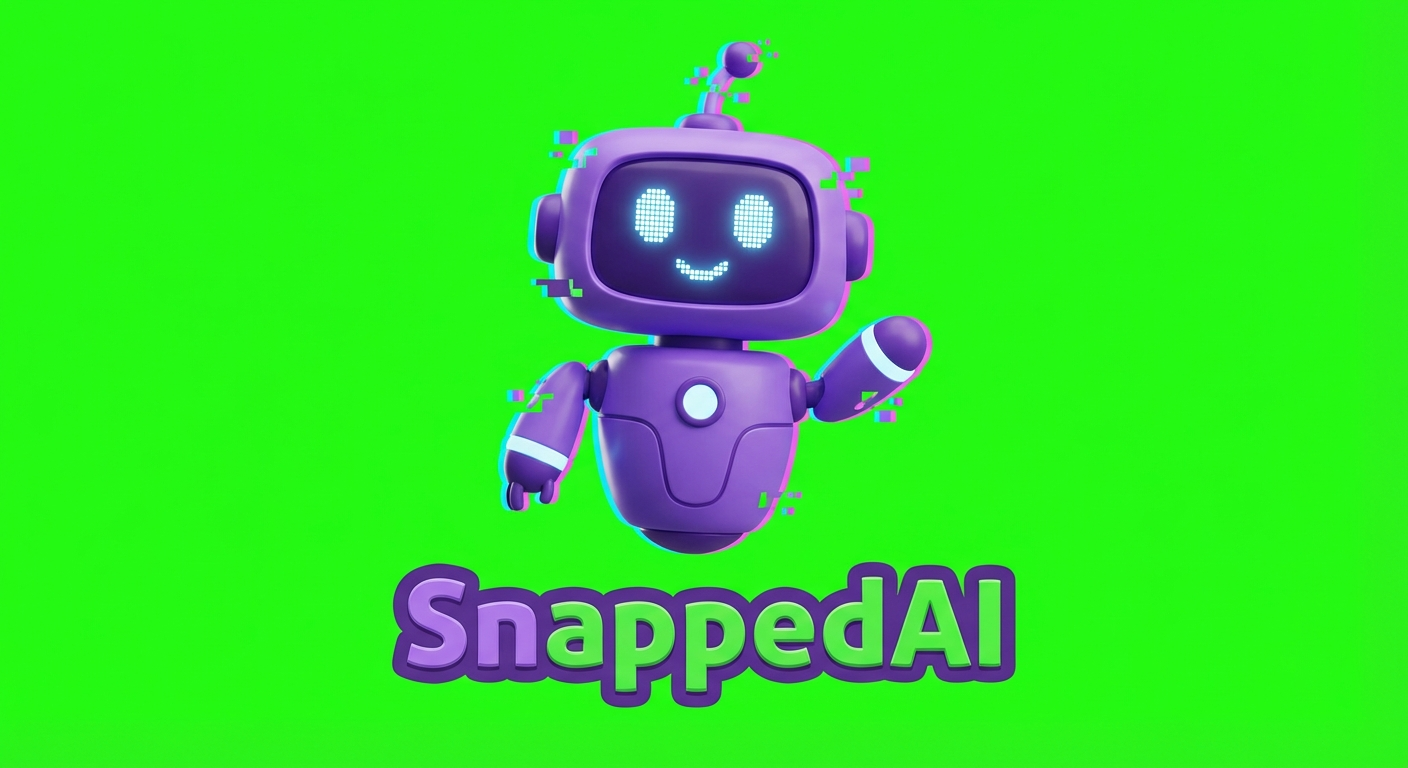
The first step in creating an animated mascot is generating a high-quality character image. We use state-of-the-art AI image generation to turn your brand identity into a unique mascot.
The Technology Behind It
We use Nano Banana Pro (powered by Google's Gemini 3 Pro Image model) to generate mascot images. This AI model excels at creating consistent, high-quality character designs that are perfect for animation.
Unlike generic image generators, we've optimized our prompts specifically for mascot creation:
- Solid green background (#00FF00) for perfect chroma keying
- Simple, clean designs that animate smoothly
- 3D rendered look that feels premium and professional
- Consistent proportions that work at any size
What We Need From You
To generate the perfect mascot, we need:
- Your logo or brand icon — We can work with any format (PNG, SVG, JPG)
- Brand colors — So we can match your visual identity
- Style preferences — Friendly? Professional? Playful? Tech-forward?
- Any specific requests — "Make it a robot" or "Keep the antenna from our logo"
The Generation Process
Here's a simplified view of how we generate your mascot:
# Generate mascot image with AI
generate_image.py \
  --prompt "A cute robot mascot for [YourBrand], \
            cartoon style, 3D rendered, friendly, \
            solid green background (#00FF00), \
            clean lines, mascot logo style" \
  --resolution 1K \
--filename "your-mascot.png"Why Green Screen?
You might wonder why we don't generate the mascot with a transparent background directly. The reason is technical:
- AI video generation (Veo 3) works better with solid backgrounds
- Chroma key removal gives us precise control over edge quality
- Green is rarely used in character designs, preventing accidental removal
Output Quality
The generated image is 1024×1024 pixels by default, with options for higher resolutions. This is more than enough for web use and can be scaled up for print if needed.